

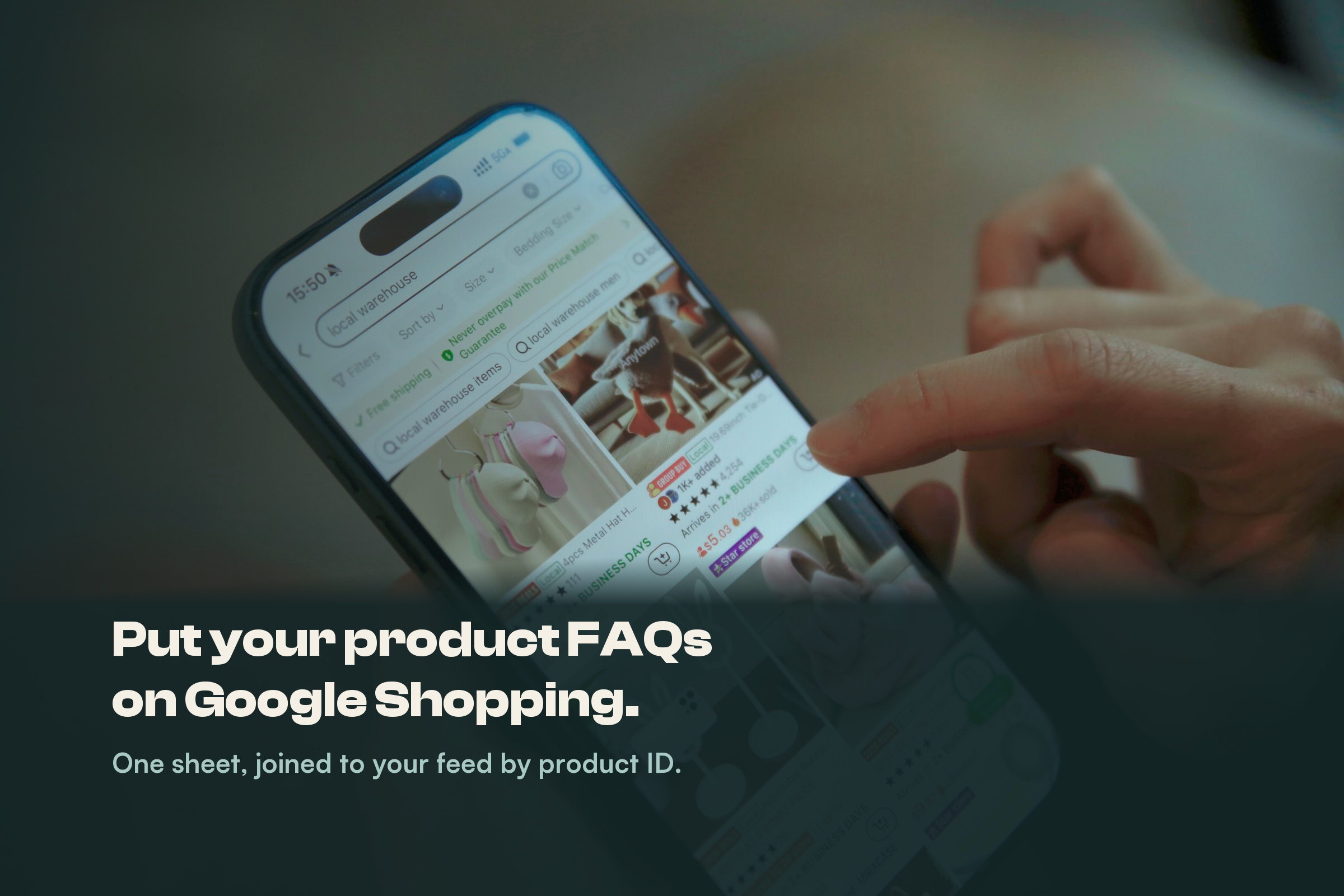
Google Merchant Center takes a question_and_answer attribute that puts your product FAQs on your Google Shopping listing, beside the price and the reviews. Your Shopify store doesn't send it by default. You add it through a supplemental data source (a second feed joined to your existing one). Your main product feed is never touched.
What is the Merchant Center question_and_answer attribute?
It's a product data field in Merchant Center. You give it a list of question and answer pairs, Google attaches them to that product, and they show up where Google talks about the item in natural language.
Google's own spec is short. It's optional for every product. It's a group attribute with two parts, question and answer, and both are required. The page it lives on is Question and answer [question_and_answer].
Where it surfaces is the reason to care. Google describes it as primarily intended for conversational experiences such as AI Mode in Search. That's the shopping surface where a shopper asks a whole question (will this fit, is it washable) and gets an answer instead of a list of links.
A feed carries a title, a price, a description and a handful of attributes. There's nowhere in it to put an answer to a question.
Is it the same as the FAQ schema on my product page?
No. They do different jobs, and the same answer can live in three places. You want all three.
- On the page. The visible FAQ a shopper reads, in your theme.
- In the page's
FAQPageJSON-LD. Structured data in the product page head, read by search engines and AI tools. - In the Merchant Center feed. The
question_and_answerattribute, read by Google Shopping and AI Mode.
The first two are page-level and travel with the URL. The third is product data and travels with the listing. None of them is a substitute for another. What they should share is the text: the answer a shopper reads and the answer Google reads are the same words.
The FAQPage side is its own job. What it still does, and how to check yours is valid, is in FAQ schema for Shopify. Where an FAQ belongs on the store itself, and which questions cut support tickets, is in FAQ strategy for SEO and AI search.
Does Shopify send product Q&A to Google already?
Not from Shopify. The Google & YouTube channel submits your product feed (titles, prices, images, availability), and the conversational attributes aren't in the field list it syncs.
If you run a feed app, check what it sends. Simprosys, Nabu and the rest are built to optimise the standard fields: titles, descriptions, custom labels, product details. Look for two things: a supplemental feed option, or a field list that goes beyond the standard attributes. The conversational attributes are newer, and apps add them at their own pace.
Either way, Google allows the attributes in a supplemental source joined to whatever primary feed you already run. It sits on top of your feed without touching it, so the route is the same for every store.
Will adding Q&A affect my product approvals?
No. Google's spec says the conversational attributes don't affect the approval status of products you already have (conversational attributes).
If you've been through a disapproval or a suspension, the instinct is to leave a working feed alone. You don't need to touch it. The Q&A goes in its own supplemental source, and none of the product data already in your feed gets rewritten.
The only thing it can do is add or override attributes on products you already have. It has no way to add a product or remove one.
How do you add product Q&A to a Shopify store's Google feed?
A supplemental data source in Merchant Center. That's Google's recommended route, and it leaves your main product feed alone. You can build one straight from a Google Sheet.
In Merchant Center:
- Turn on the add-on. Gear icon → Add-ons → Discover → Advanced data source management → Add. The Supplemental sources tab doesn't exist until you do this.
- Create the source. Settings & tools → Data sources → Supplemental sources → Add supplemental product data, then choose Google Sheets.
- Join it to your feed. Pick the primary source it sits on top of, the one the Google & YouTube channel creates. Click Create data source.
- Update. Merchant Center reads the sheet and attaches the Q&A to your products.
The sheet is two columns: id in A, question_and_answer in B, one row per product. Put the header in row 1. Merchant Center treats row 1 as the header and every row under it as a product, so a title line above the header becomes your header, and a note left at the bottom turns into a product with a junk ID.
The id has to match your primary feed character for character, same case and the same shopify_US_... prefix. When it matches, the Q&A lands on that product. When it doesn't, the row is dropped and Merchant Center says nothing about it.
Column B is where it gets fiddly. Every pair for a product goes in one cell:
What is included with this product?:One unit\, plus any accessories in the photos.,Is it dishwasher safe?:Yes\, top rack only.- A colon sits between the question and its answer.
- A comma separates one pair from the next.
- A comma or colon that's part of your text gets a backslash in front of it:
\,and\:. That's what marks it as text rather than a separator (Google's Sheets escaping rules). - Don't wrap anything in quotation marks. Sheets treats them as part of the value.
Answers usually contain a comma, so you'll be typing those backslashes a lot. Miss one and Merchant Center ends the pair at that comma and flags the cell.
After the source is reading the sheet, leave the file alone. Merchant Center stores a link to that exact file. Replace it, re-upload over it or delete it and the source dies with a File not found error, and a new source is the only fix.
What should the questions and answers say?
Shoppers don't want their spec sheet read back to them. They want the question they're stuck on answered.
The flat version is a lookup (what is the material, what sizes are there) and shoppers can already read that off the page. The questions that decide a purchase are the ones the description has to answer in prose: how it fits, whether it will work with the thing they own, how it should be cared for, what's in the box. Those are the same questions your support inbox collects every week.
A few rules:
- Don't repeat your description. Google asks you not to duplicate what's already in
description,product_highlightorproduct_detail. If the feed already says it, the Q&A cell shouldn't. - Keep it on the product. Where's my order, what's the returns window, how do I pay. Those belong on an FAQ page.
- Keep the answer in the answer. One question gets one answer, and a link or a pitch goes somewhere else.
The limits, from Google's spec: up to 30 pairs per product, 1,000 characters for a question and 1,000 for an answer, and 10,000 characters across everything you send for that product.
Writing them by hand for a catalogue is where this stops being a weekend job. There is a question bank by shopper concern if you want the list to work from.
FAQ Ninja writes them and publishes the ones you approve.
How do you check it's showing?
On the source page in Merchant Center. Total updated products and Matched products tell you how many rows were read and how many attached to something real. If matched is lower than the number of rows you sent, the IDs don't line up.
Then open a product. Under its details you'll find the Question and answer attribute sitting alongside the description and the other attributes. If it's listed there, the source wrote to that product.
The Attribute names line, showing All recognized, is the other useful signal. It confirms Merchant Center parsed your column headers as real attributes rather than ignoring them.
Merchant Center lists each problem against the cell it came from, so the message tells you where to look.
Too many values. The row has more values than the sheet has headers. Something in the sheet isn't a product.
Too few subattributes. A pair lost its colon. Check the answer for a comma you didn't escape.
Too many subattributes. The cell picked up an extra colon. Quotation marks around the value do it, because Sheets reads them as text.
Invalid or missing required attribute: id. No id header, or a row above your data is being read as one.
File not found. Merchant Center can't reach the sheet any more. The file was replaced or deleted, and only a new source fixes it.
Does it actually help?
Google is putting money into shopping answers in AI Mode, and this attribute is part of that. Nobody has published numbers showing it moves orders for a small store.
Google built six conversational attributes for AI Mode and Gemini, and question_and_answer is the one aimed at questions people ask before they buy. It's for the moments when someone asks a shopping question and gets an answer instead of a list of links.
How much it does for one store is unmeasurable from outside. There's no ranking guarantee attached to it, and no published lift figure. Treat it as one more place your products can answer for themselves, then look at your own numbers after a few weeks.
Either way it costs you little. It's optional, it doesn't change your approval status, and you can undo it by dropping the source.
How FAQ Ninja publishes your FAQs as Q&A
FAQ Ninja writes product and collection FAQs and publishes the approved ones to Google Merchant Center as Q&A.
- Connect Google Merchant Center and your approved FAQs publish as Q&A on your Shopping listings.
- They go through a supplemental data source, so your existing feed stays untouched.
- Products are matched by ID, and the connection is read-only.
- Nothing publishes before you approve it. You edit any answer first, or leave it out.
- The readiness check on your feed is free. Publishing to Google is part of a paid plan.
Frequently asked questions
Does adding Q&A affect my product approvals?
No. Google says the conversational attributes don't change the approval status of products you already have. Adding them is optional and reversible.
Does the Q&A appear on my product page, or only in Google Shopping?
Only in Google Shopping and the AI surfaces. question_and_answer is feed data, so nothing gets added to your store's product page. Your on-page FAQ is a separate thing, and it's worth having both.
Can I use it on collection pages?
No. The attribute attaches to a product ID, and a collection isn't a product. If a question applies to a whole collection, add it to each product in that collection.
Is Merchant Center Q&A the same as FAQ schema?
No. FAQPage is structured data on your product page. question_and_answer is product data in your Merchant Center feed. The same answers can go in both, and should.
Does it show in Google Search, or only AI Mode?
Google describes the attribute as primarily for conversational experiences such as AI Mode. It's not a rich result and it doesn't create the expandable FAQ block Google retired in 2026.
What happens if I stop updating the sheet?
Nothing changes until you do. The Q&A stays on your products as it was. Remove a row and the next update drops that product's Q&A, and deleting the source removes all of it.
Does it cost anything in Merchant Center?
No. Merchant Center doesn't charge to submit product data, and this attribute is free to add. You only pay if you run Shopping ads.
Getting started
If you want the Q&A without building a feed yourself, FAQ Ninja writes the questions and publishes the ones you approve to Merchant Center as Q&A.