




What Is Crawl Budget?
Google defines crawl budget as the number of URLs Googlebot can and wants to crawl on your site. It’s determined by two main factors:
- Crawl rate limit: The maximum number of simultaneous connections and frequency Googlebot uses to crawl your site without overloading it. If your store responds quickly and reliably, this limit increases. If your server slows down or errors out, the limit drops. Make sure that your theme is optimized and loads quickly.
- Crawl demand: This is driven by how popular your pages are and how often they change. Pages that get more backlinks, traffic, or updates are typically crawled more frequently.
Taking both factors together, crawl budget is essentially the set of URLs Google can and wants to crawl on your site.
While crawl budget isn’t usually a problem for small stores, Shopify sites with:
- 10,000+ unique pages
- Daily product changes or updates
- A large number of filtered/tagged/variant URLs
...can easily run into crawl budget inefficiencies that affect indexation and performance.
How to Identify Crawl Budget Issues
- Google Search Console (GSC): Use the Index Coverage and Crawl Stats reports. This can be found under settings -> Crawls stats

- Look for high numbers of "Discovered - not indexed" or "Crawled - not indexed" pages.
- Site Crawlers: Tools like Screaming Frog can help you visualize duplicate URLs and crawl depth.
- Check for soft 404s: These consume crawl budget and often appear in GSC’s Coverage report.
How to Optimize Crawl Budget on Shopify
- Reduce Duplicate and Low-Value URLs
- Use canonical tags to consolidate duplicate product URLs.
- Block or noindex collection filtering and sorting URLs that don't offer unique value.
- Audit your tag pages and search result URLs. Disallow them in `robots.txt` if not useful.
- Fix Broken Links and Redirect Old URLs
- Use Google Search Console to identify 404s.
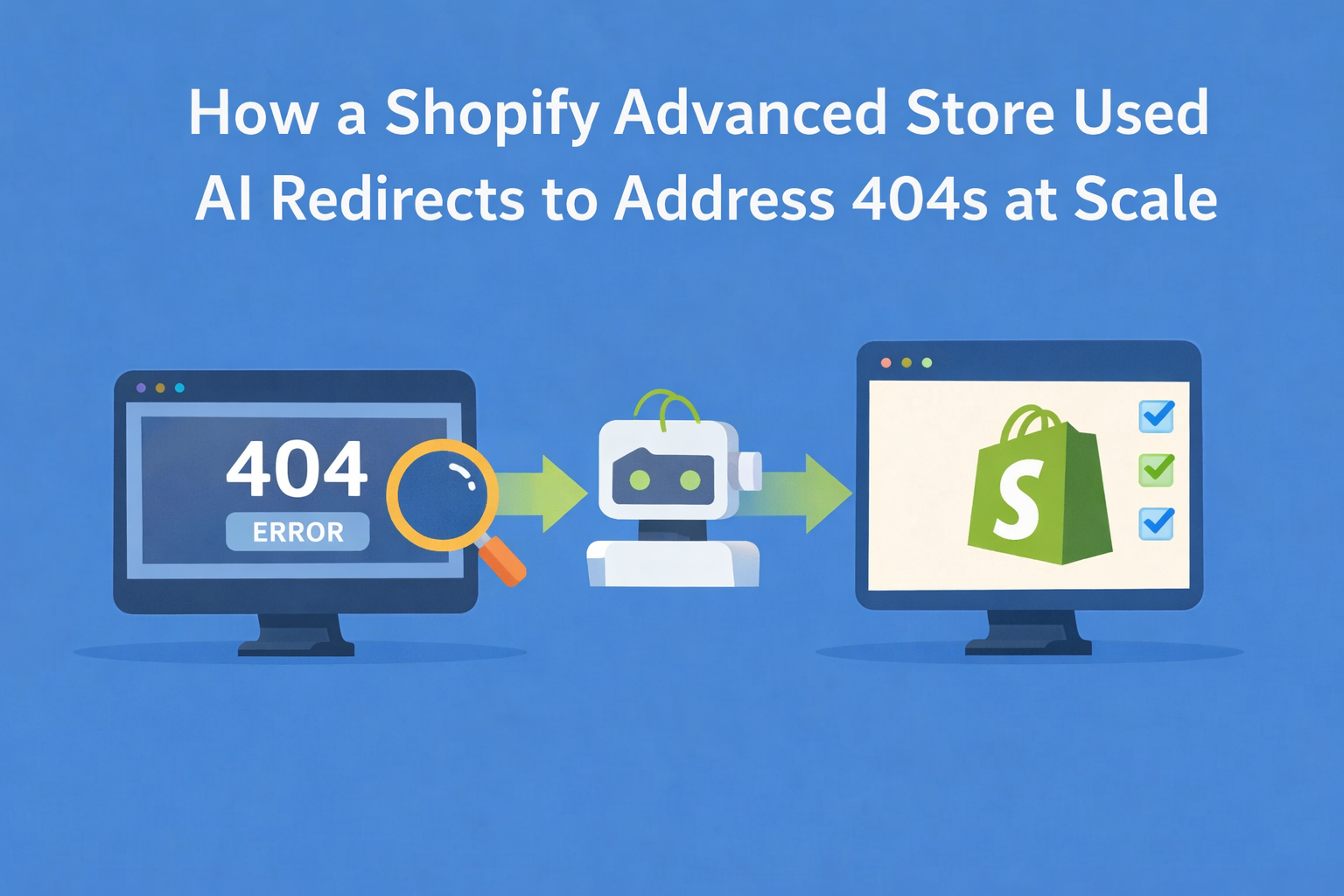
- Install Redirect Ninja - Easy 404 Fix to automatically detect and fix broken links with smart redirects.
- Strengthen Internal Linking
- Make sure key products and collections are linked from navigation, homepage, and blog content.
- Avoid orphan pages that aren't linked from anywhere. Tools like ScreamingFrog can help find these.
- Improve Page Load Speed
- Minimize unused apps and scripts.
- Compress images and use lazy loading.
- Shopify's CDN helps, but theme bloat can slow things down.
- Use Structured Data (Schema)
- Add JSON-LD for product, article, and FAQ pages.
- This helps Google understand your content faster.
- Try Schema Ninja - JSON-LD SEO to implement this quickly and accurately.
- Manage International Crawl with Shopify Markets
- Use hreflang tags to guide Google across languages.
- Avoid enabling all languages for all markets to reduce duplication.
FAQs
Q: How do I know if crawl budget is a problem for me?
Check GSC's Index and Crawl Stats reports. If important pages aren't getting indexed or Google is crawling irrelevant ones, it's time to optimize.
Q: How can I test my canonical tags?
Use GSC's URL Inspection Tool or view source on product pages. Make sure all product variants and filtered URLs point to the main product URL.
Q: Does structured data help with crawl budget?
Indirectly. It helps Google understand your pages faster, which can lead to more efficient crawling and indexing.
Q: How does crawl budget relate to indexing?
If a page isn’t crawled, it won’t be indexed. Crawl budget directly influences what Google sees and when.
Q: Do I need to worry about crawl budget on a small Shopify store?
Not usually, unless your store is creating excessive URL permutations.
Q: How long does it take to see results after optimizing crawl budget?
It varies. Some improvements (like fixing broken links or removing crawl traps) can have visible results in a few days to weeks. Others, like changes to internal linking or canonical tags, may take longer to be reflected in Google's crawling and indexing patterns. Monitor changes using the Crawl Stats and Index Coverage reports in GSC.
Q: What should I do with out-of-stock or seasonal products?
If the product is coming back, keep the page live and consider adding a "back in stock" alert. If it’s permanently gone, use a 301 redirect to a relevant category or product using Redirect Ninja or return a 404/410 status if no alternative exists. Avoid keeping placeholder or thin-content pages live as they can waste crawl budget.


.png)