





Manually creating redirects in Shopify works for a few broken links, but it quickly becomes unmanageable as your store grows. Migrations, product changes, and deleted collections can create hundreds of new 404 errors over time. To create redirects automatically in Shopify, you need a system that detects broken links and applies redirects using rules, patterns, or AI instead of creating each redirect one by one. Below are the common ways Shopify merchants automate redirects and when each approach makes sense.
What “automatic redirects” means in Shopify
Automatic redirects in Shopify generally involve three things:
- Detecting broken URLs without manual checks
- Determining where those URLs should redirect
- Creating permanent (301) redirects without manual input
Shopify supports redirects, but automation requires a Shopify app or external logic to handle this at scale.
Option 1: Wildcard redirects (rule-based automation)
Wildcard redirects let you redirect many URLs that follow the same pattern using a single rule.
For example:
/old-products/*→/products/*/categories/*→/collections/*
This approach works well when:
- URLs follow predictable patterns
- Large groups of pages were reorganized
- You want consistent behavior across many URLs
Wildcard rules are pattern-based. They do not decide where to redirect. They apply a predefined rule whenever a match occurs.
Check out our article on Wildcards in Shopify
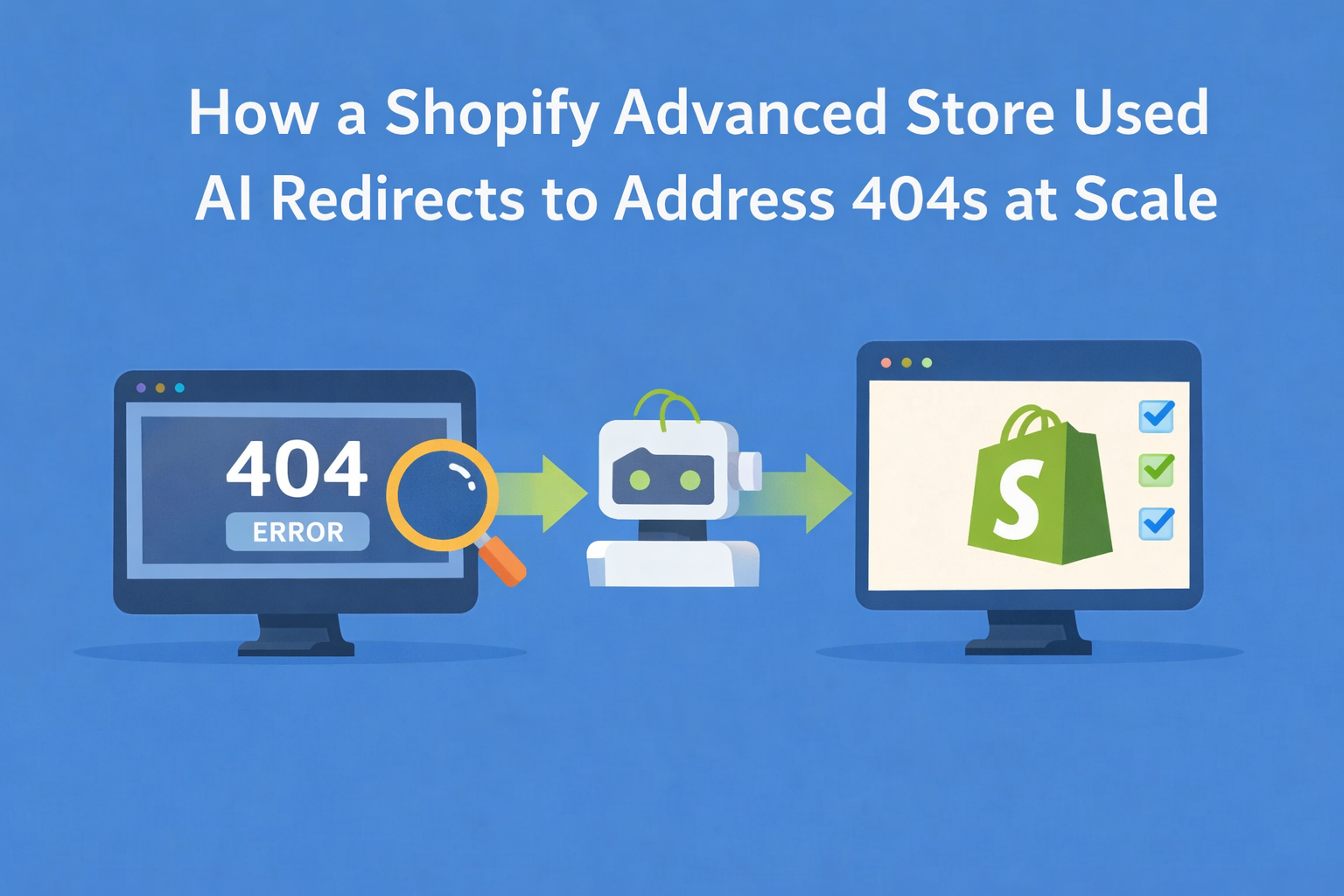
Option 2: AI redirects (decision-based automation)
AI redirects are used when broken URLs don’t follow a clean or predictable pattern.
Instead of matching a rule, AI evaluates:
- The broken URL structure and context
- Similar existing pages that exist and are active on your store
- The content and intent of pages across your store
Based on that information, a suggested redirect destination is generated. These suggestions can be reviewed before being applied as permanent redirects or applied completely automatically.
For example, Redirect Ninja detects broken links from real traffic, suggests redirects using rules or AI, and creates permanent 301 redirects directly in Shopify admin.
Check out our article on AI-powered redirects in Shopify
How automatic redirects are created in practice
Most automated redirect systems follow a similar flow:
- A visitor or crawler (such as Googlebot) hits a broken URL
- The URL is logged and analyzed
- A rule or AI suggestion determines the destination
- A permanent (301) redirect is created
- Future requests are redirected automatically, ensuring customers reach the correct page
This allows redirect coverage to improve over time instead of being a one-time setup.
FAQ
Does Shopify support automatic redirects by default?
Shopify supports manual redirects, but automatic redirects require an app or external logic.
Are automatic redirects safe for SEO?
Yes, as long as permanent (301) redirects point to relevant destinations and are reviewed when needed.
Can redirects be created automatically after a visitor hits a broken link?
Yes. Some systems create or suggest redirects based on real traffic hitting broken URLs.
Do I need to review automated redirects?
For wildcard rules, review the rule itself. For AI redirects it’s recommended to review suggestions when first installing an app. Once you’re confident in the results redirects can be applied automatically.


.png)