





A migration is the one moment a Shopify store breaks thousands of URLs at once. Moving from WooCommerce, Magento, BigCommerce or Squarespace changes how every path is built, and if you are switching Shopify themes, your handles can change too. Whatever you install afterwards is either going to clean up what you can already see, or tell you what you have actually lost. Those are different products, and only one of them is useful on day one.
What a migration does to your URLs
WooCommerce stores a product at /product/blue-shirt/. Shopify uses /products/blue-shirt. Collections get rebuilt on new paths. Anything carrying a product ID stops matching, and if you used region prefixes or market-specific URLs, every one of those breaks at the same moment.
Most stores also only find the first slice of the damage. You can export the 404 list from Search Console, but it stops at 1,000 rows, and it only lists URLs Google has recrawled and recorded. The older pages, the ones that accumulated links and rankings over years, are often exactly the ones missing from that file.
The one question to ask about any Shopify redirect app
Does it know what you lost, or only what is dead right now?
Some apps learn about a broken URL the moment a visitor hits it. Others scan your store for links that no longer resolve. Both are useful, and both share one limitation: they can only report damage that has already been visited or already been found. Neither can tell you that a page which nobody has clicked in three weeks was still earning 400 visits a month from Google before you migrated.
The only record of that is Google's own performance history, up to 16 months of it, which is a different dataset from the 404 report and is not capped at 1,000 rows.
What that looks like when it works
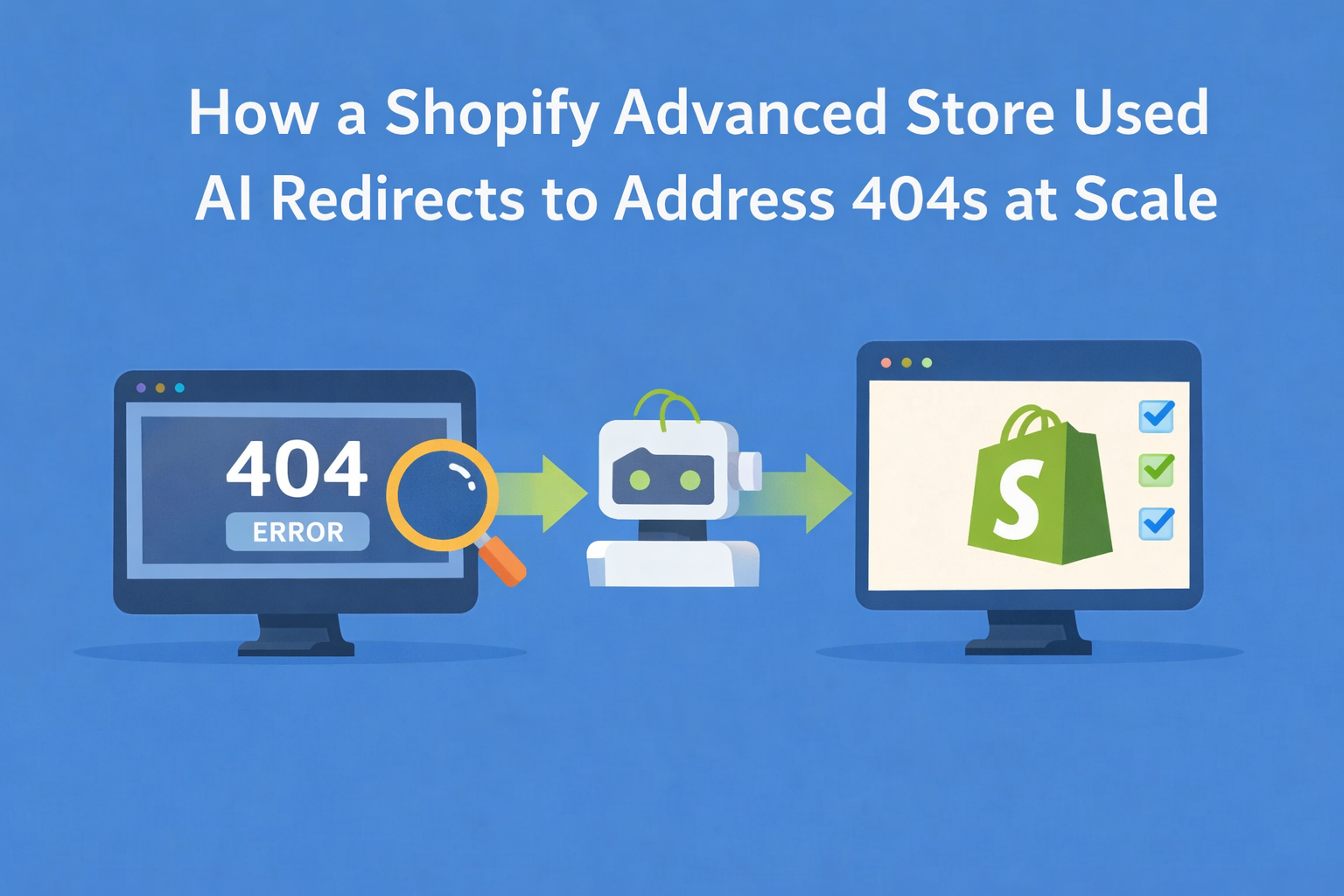
Connect Search Console and you get the diagnosis before you touch a single redirect:
- Every URL that used to get impressions and clicks and no longer resolves
- The clicks you are losing each month, and what those are worth at your own average order value and conversion rate
- A split between what your migration broke and what has been dead for years
- Each broken URL matched to the closest live page on your store, with a confidence score
From there the redirect side is the easy part. You set a confidence line, matches above it apply themselves, anything below lands in a review queue for you to approve or reject, and the whole batch goes live in one move. One click rolls it back if a target turns out wrong.
A short checklist before you install anything
- Does it read Search Console history, or only watch 404s after they are hit? Ask directly. The difference decides whether you find the whole problem or the visible part of it.
- Can it show what a broken URL used to earn? Clicks and revenue at risk, not just a status.
- Does it match each broken URL to a live page, and can you review before it applies? You want a queue, not a switch.
- Can you roll a batch back? A wrong target across a thousand URLs is not something to fix by hand.
Where Redirect Ninja fits
Redirect Ninja connects to Search Console with read-only access and builds the damage report from 16 months of history, past the 1,000-row export. The report is free to run. Fixing what it finds is paid.
See every broken URL from your migration. And if you would rather understand the export limit itself first, here's why Search Console stops at 1,000 rows and what actually works.
Frequently asked questions
Can Shopify's built-in redirects handle a migration?
They can handle the redirects you have already identified. Shopify's own redirect list has no way to tell you which URLs are missing, so it fixes what you know about rather than what you have lost.
Do I need to redirect every old URL?
No. Redirect the ones with history. A URL Google never recorded traffic for is not worth mapping, and the report separates those out for you.
How long does Google keep the data I need?
Search Console retains performance data for 16 months. A store that migrated more than a year ago has already lost part of its own baseline, which is why finding the damage sooner matters.
What is the best redirect app for a Shopify migration?
The one that tells you what you lost before it starts fixing. Everything else is a list of URLs.

.png)