

As a Shopify store owner, you might occasionally need to remove products from your catalog. However, deleting products carelessly can harm your SEO efforts and lead to a poor user experience. In this guide, we'll walk you through the process of safely deleting products while preserving your hard-earned SEO rankings.
Why Deleting Products Can Hurt Your SEO
Before we dive into the how-to, let's understand why improper product deletion can negatively impact your SEO:
1. Broken Links: Deleted product pages can create 404 errors, leading to a poor user experience and potentially lowering your site's search engine rankings.
2. Lost Backlinks: If other websites have linked to your product page, deleting it without proper redirection can result in lost link equity.
3. Reduced Content: Removing product pages decreases your site's overall content, which can affect your SEO performance.
Steps to Safely Delete Products from Shopify
Follow these steps to ensure you're deleting products without harming your SEO:
1. Analyze the Product's Performance and Links
Before deleting a product:
- Check its traffic and sales history
- Use Google Search Console to see if it ranks for any keywords
- Check for any backlinks using tools like Ahrefs or Moz
2. Set Up 301 Redirects
- Create a 301 redirect from the old product URL to a relevant category page or similar product
- A 301 redirect simply means that the link has been permanently moved to this new destination
- This preserves link equity and provides a better user experience
3. Update Internal Links
- Search your site for any internal links pointing to the deleted product
- Update these links to point to the redirect destination or remove them
4. Inform Search Engines
- Update your sitemap and resubmit it to Google Search Console
- This helps search engines understand the changes to your site structure
5. Monitor and Adjust
After deleting the product:
- Monitor your site for any 404 errors
- Check the performance of the pages you've redirected to
- Adjust your strategy if you notice any significant drops in traffic or rankings
Tools to Help Manage Product Deletions
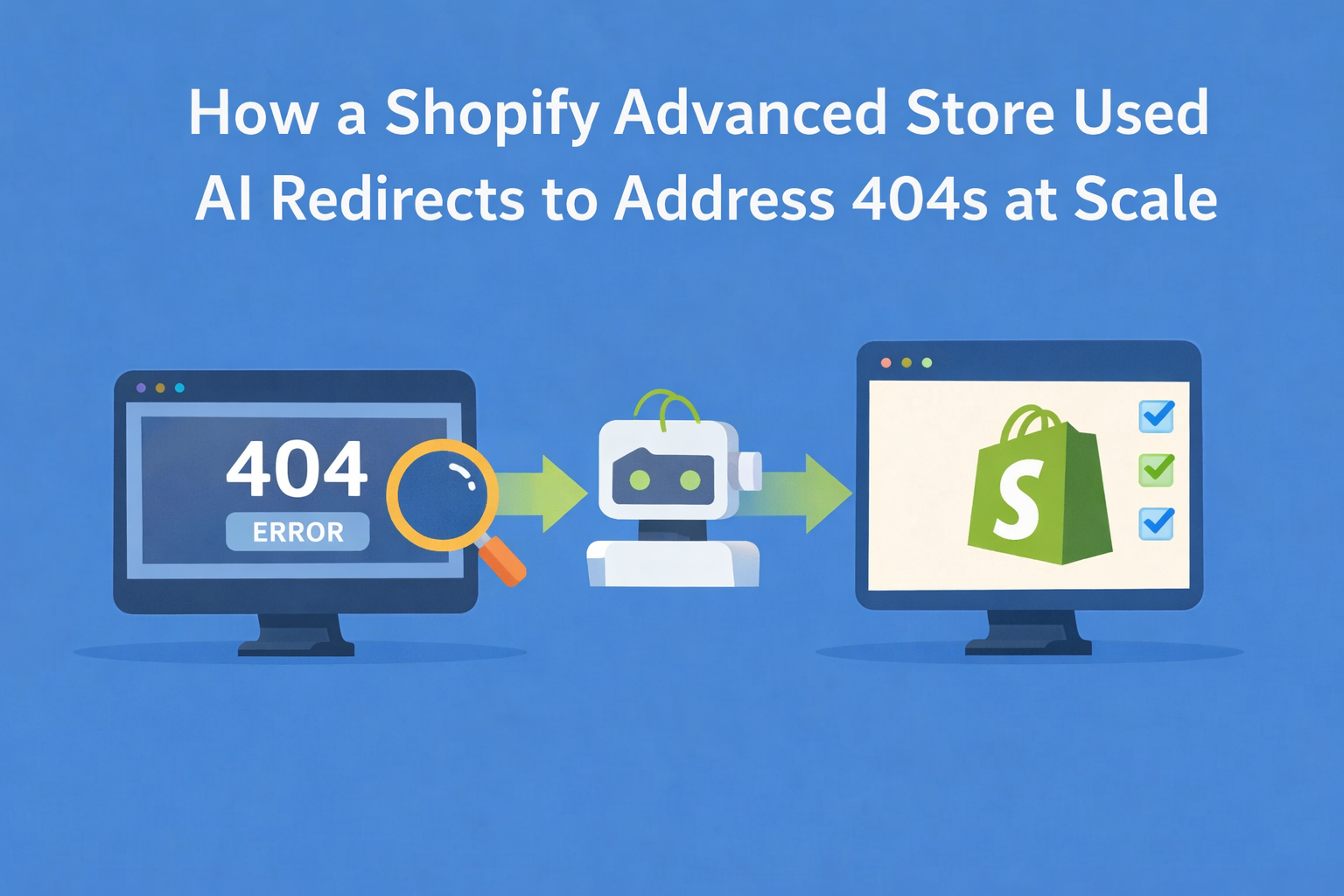
Managing product deletions and redirects can be challenging, especially for larger stores. Consider using tools like our Redirect Ninja - Easy 404 app to automate the process of detecting 404 errors and setting up redirects. This can save you time and ensure you don't miss any important redirects that could affect your SEO.
Conclusion
Deleting products from your Shopify store doesn't have to be an SEO nightmare. By following these steps and using the right tools, you can maintain your search engine rankings while keeping your product catalog up-to-date. Remember, a well-maintained store with properly handled product deletions not only ranks better but also provides a better shopping experience for your customers.
Need help managing redirects and preserving your SEO when removing products? Check out our Redirect Ninja - Easy 404 Fix app for an easy, automated solution to handle 404 errors and set up proper redirects.
Deleting products always leaves URLs behind, and the ones nobody visits today were still earning search traffic last quarter. Check what a deletion broke, ranked by what it used to earn.